
DashScope: How to Call Qwen Through Alibaba Cloud’s Model API
DashScope is the model-serving API that Alibaba Cloud uses to expose qwen by alibaba to developers — the layer your code actually calls to run a Qwen model in the cloud. It is the API side of Alibaba Cloud’s generative-AI platform, Model Studio, according to Alibaba Cloud’s own documentation, known as Bailian (百炼) in mainland China.
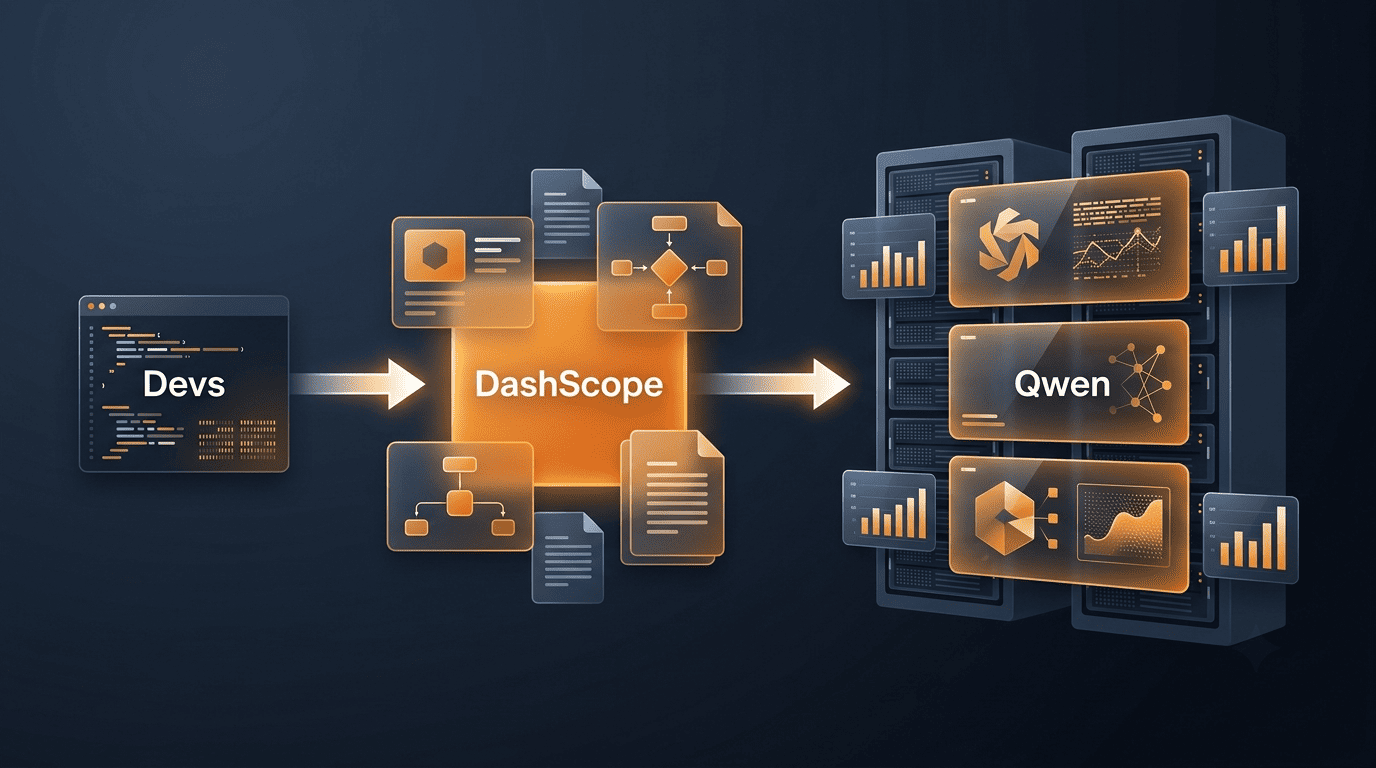
If you have used the OpenAI API, DashScope will feel familiar: alongside its own native SDK, it offers an OpenAI-compatible mode, so in many cases you can point an existing OpenAI client at a DashScope base URL, swap the model name, and keep the rest of your code.
Unofficial. This site is not affiliated with, endorsed by, or sponsored by Alibaba or the Qwen team. Product names, endpoints, and pricing change often — always confirm details against the official Alibaba Cloud documentation before you build.
What DashScope Is
A one-line definition
DashScope is Alibaba Cloud’s API and SDK for calling large models — first and foremost the Qwen family — hosted on Alibaba Cloud infrastructure. Alibaba Cloud’s own docs frame it plainly as the way to call Qwen models programmatically: you send a request with your API key and a model name, and DashScope routes it to the hosted model and streams back a response. The exact request shape, rate limits, and pricing are versioned and change over time, so treat any specific numbers you see elsewhere as something to re-verify in the current docs rather than as fixed facts.
Who operates it
DashScope is operated by Alibaba Cloud, part of the Alibaba Group — the same organization behind the Qwen (Tongyi Qianwen, 通义千问) model family. Qwen models are also published as open weights on Hugging Face, with source, tooling, and announcements maintained on GitHub under the QwenLM organization and on the official Qwen blog. Downloading those open weights and running them yourself is one path; DashScope is the hosted, pay-as-you-go alternative — you call an endpoint instead of provisioning your own GPUs.
DashScope vs Model Studio vs Bailian
One platform, several names
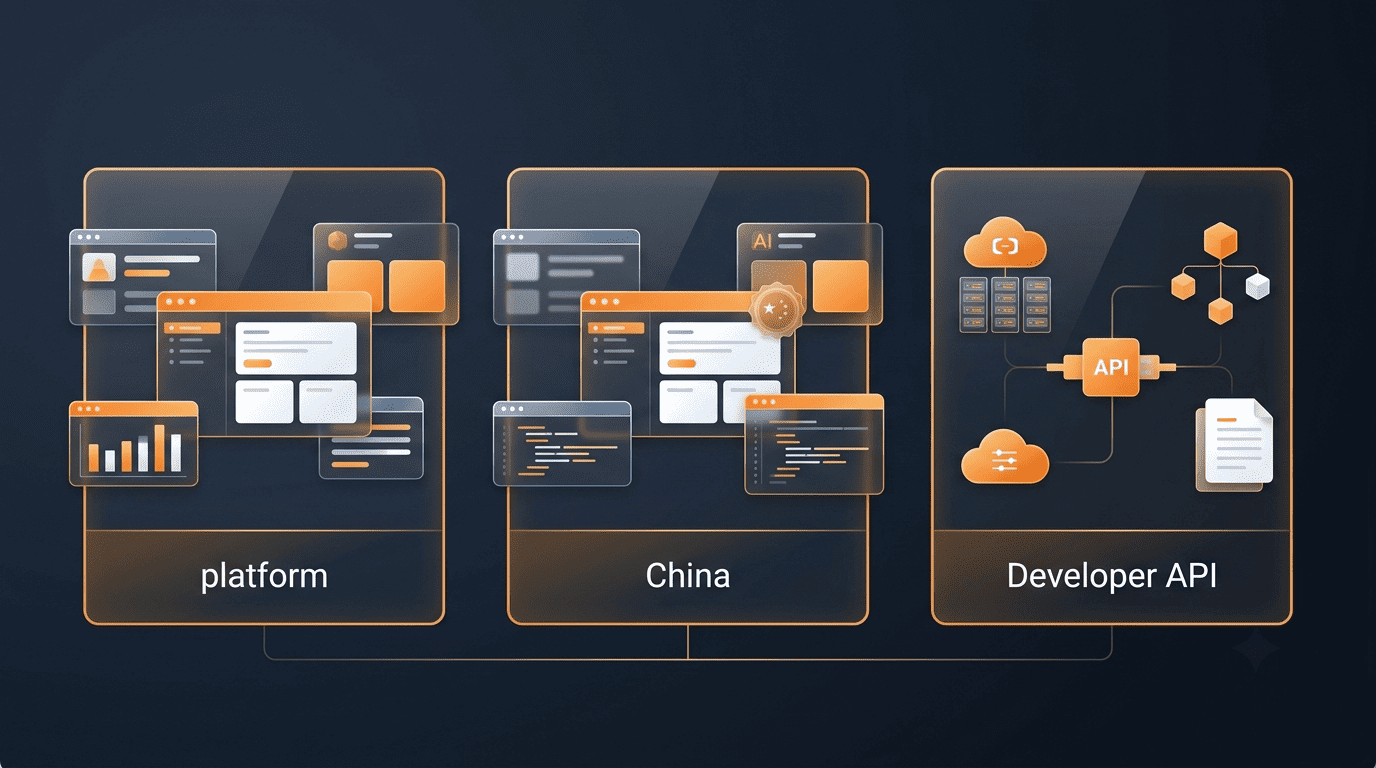
A common point of confusion for newcomers is that DashScope, Model Studio, and Bailian sound like three different products. They are not. Model Studio is Alibaba Cloud’s generative-AI platform — the console, model catalogue, playground, and billing dashboard you use in a browser. In mainland China, that same platform is branded Bailian (百炼) instead of Model Studio. DashScope is the layer underneath both names: the API and SDK that your application actually calls. Practically, this means “getting a DashScope API key” and “getting a Model Studio API key” describe the same action, just phrased differently depending on which doc page you landed on.
Quick comparison table
The table below maps the three names to what they actually are and where a developer encounters each one.
| Name | What it is | Where you meet it |
|---|---|---|
| Model Studio | Alibaba Cloud’s generative-AI platform — console, model catalogue, playground, billing | International Alibaba Cloud account, browser console |
| Bailian (百炼) | The same platform, branded for the mainland China market | China Alibaba Cloud account, browser console |
| DashScope | The API and SDK layer that developers call from code | Your application, via API key + HTTP endpoint or SDK |
How to Get a DashScope / Qwen API Key
Step-by-step (described generally)
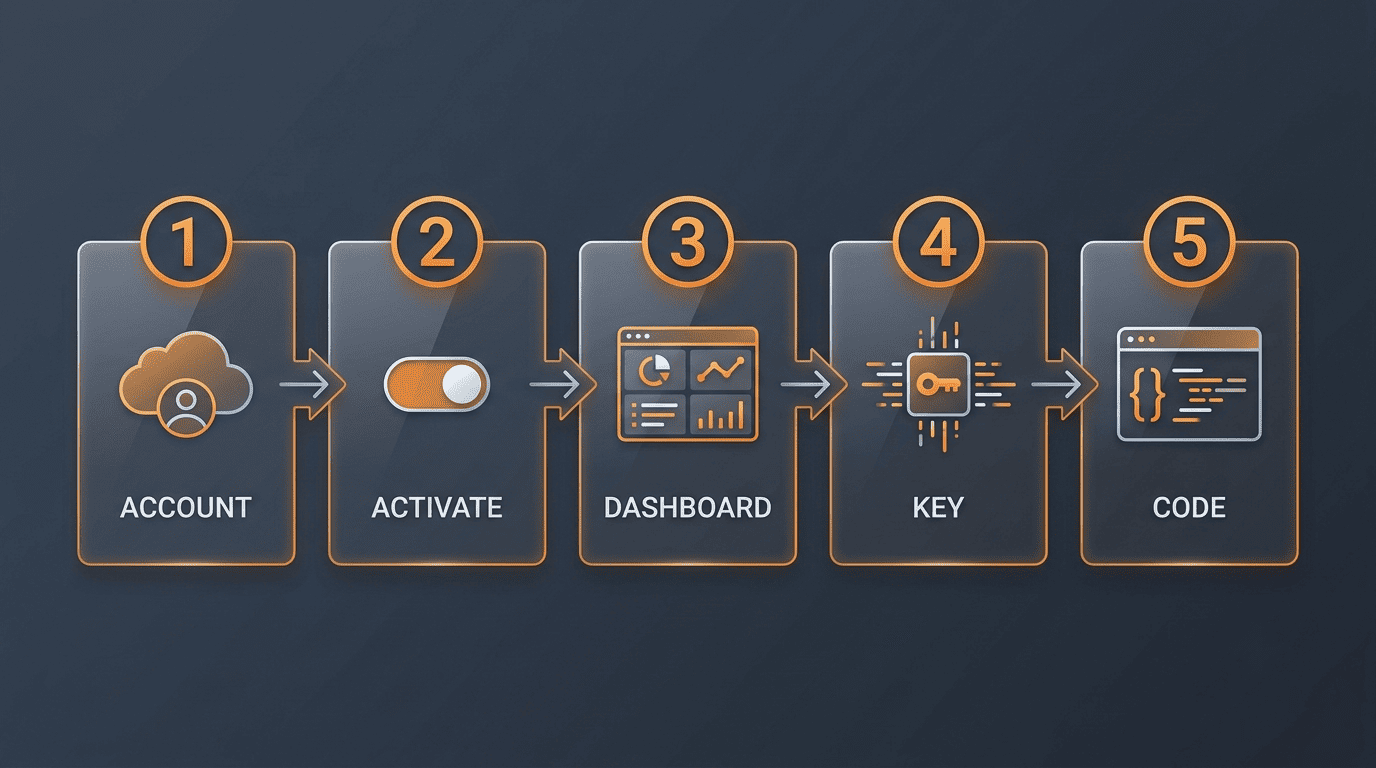
The exact console labels shift as Alibaba Cloud updates its UI, so treat this as the general flow and confirm the current wording against Alibaba Cloud’s own key-creation guide before you follow it click by click.
- Create or sign in to an Alibaba Cloud account.
- Activate Model Studio (or Bailian, if you registered a China account) on that account.
- Open the console and navigate to the API Keys section of the Dashboard.
- Create a new key.
- Store the key as the
DASHSCOPE_API_KEYenvironment variable rather than pasting it into source code.
Keys typically start with an sk- prefix, similar to OpenAI’s convention, though the exact format is Alibaba Cloud’s to define and can change.
Keep the key regional and secret
A few practical rules keep a DashScope key from becoming a support ticket or a security incident:
- An International-account key and a China-account key are not interchangeable — a key issued in one region will not authenticate against the other region’s endpoint.
- Treat the key as a secret: environment variables or a proper secret manager, never a hard-coded string in a repository.
- If a key leaks — committed by accident, pasted into a shared doc — rotate it immediately from the console rather than assuming it’s fine.
Calling Qwen: OpenAI-Compatible Mode vs Native SDK
Option A — the OpenAI-compatible endpoint
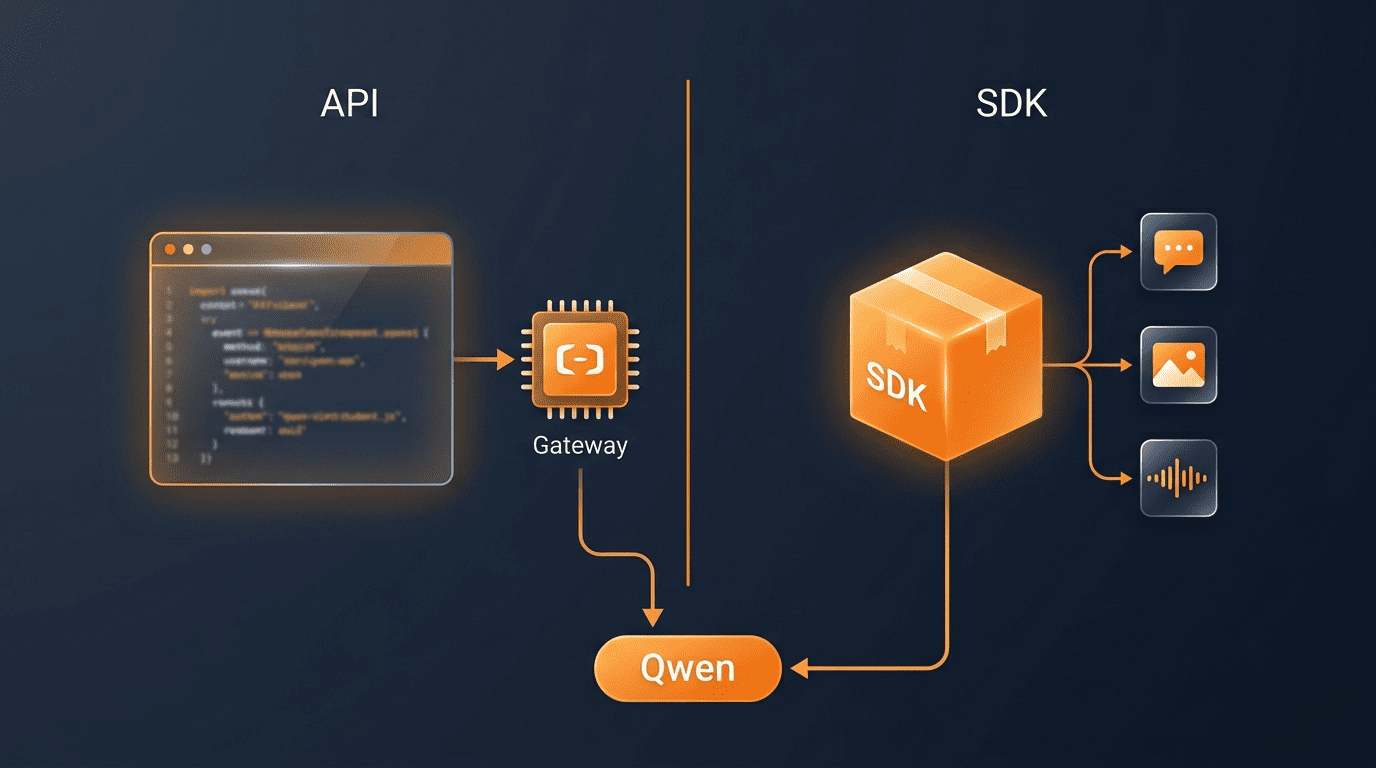
The fastest path for a team already using the OpenAI API is DashScope’s OpenAI-compatible mode. As Alibaba Cloud’s Model Studio documentation puts it:
Call Qwen models via OpenAI API.
Alibaba Cloud Model Studio documentation
DashScope exposes this compatible surface at a compatible-mode/v1 path with a /chat/completions endpoint underneath it. Migrating an existing OpenAI project generally comes down to changing three things: the API key, the base URL, and the model name (for example, swapping in qwen-plus). Existing OpenAI client libraries — the official openai-python package, langchain_openai, and similar tooling — keep working after that swap because the request and response shapes match what they already expect. Alibaba Cloud documents an international base URL in the form https://dashscope-intl.aliyuncs.com/compatible-mode/v1, but hosts do get revised, so confirm the current one in the docs rather than hard-coding it from a blog post, including this one.
Option B — the native DashScope SDK
The official DashScope SDK ships for Python and Java, with curl/HTTP examples covering other languages. The Python package is installed with pip install dashscope and is listed on PyPI under an Apache-2.0 license. Unlike the OpenAI-compatible surface, the native SDK gives typed access to more than chat completions — generation, multimodal conversation, embeddings, reranking, and image/video/speech synthesis, exposed through classes such as Generation and MultiModalConversation. Exact class names and supported modalities are best confirmed on the PyPI project page, since the SDK’s surface area grows with each release.
Which to choose
- Pick OpenAI-compatible mode when you want to reuse an existing OpenAI, LangChain, or LiteLLM codebase and only need chat-style completions.
- Pick the native DashScope SDK when you need DashScope-specific capabilities — multimodal conversation, speech, reranking, or other features that don’t map cleanly onto the OpenAI chat-completion shape.
Which Qwen Models Run on DashScope
Commercial, hosted-only tiers. Alibaba Cloud documents commercial Qwen tiers commonly referenced as Qwen-Max, Qwen-Plus, and Qwen-Turbo, sized and priced for different latency/quality trade-offs. Exact model IDs are versioned and best pulled fresh from the docs rather than memorized, since Alibaba Cloud revises them across releases.
Open-weight generations. Alongside the commercial tiers, DashScope also serves the open-weight Qwen generations — including Qwen2.5 and Qwen3 — the same alibaba qwen models published on Hugging Face and GitHub, made available here as a hosted option instead of something you download and run yourself.
Specialized lines. Beyond general chat, the catalogue includes purpose-built branches: Qwen-VL for vision-language tasks that combine images and text, Qwen-Coder for code generation and completion, Qwen-Omni for broader multimodal input, and Qwen-Math for math-focused reasoning.
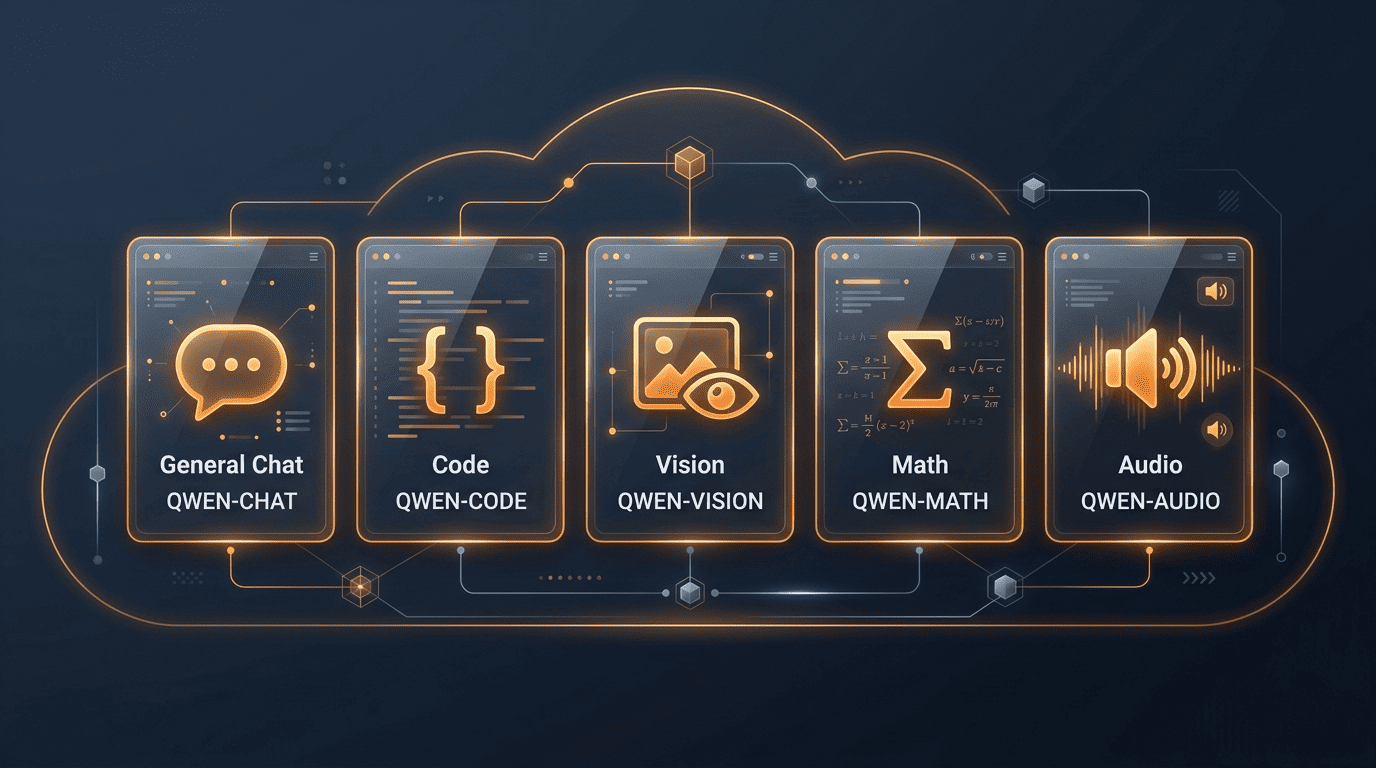
The table below groups these by focus rather than by exact version, since versions change faster than a static article can track.
| Model line | Focus |
|---|---|
| Qwen-Max / Qwen-Plus / Qwen-Turbo | Commercial, hosted-only tiers for general chat and reasoning |
| Qwen (open-weight generations, e.g. Qwen2.5, Qwen3) | General-purpose models also downloadable outside DashScope |
| Qwen-VL | Vision-language — image and text input together |
| Qwen-Coder | Code generation, completion, and repair |
| Qwen-Omni | Broader multimodal input beyond vision-language |
| Qwen-Math | Math-focused reasoning |
Beyond Qwen. Model Studio’s catalogue is not limited to Alibaba’s own models — Alibaba Cloud documents serving selected third-party models, such as DeepSeek, Kimi, GLM, and MiniMax, through the same platform and the same API surface. The exact roster changes as agreements are added or dropped, so treat any specific list, including this one, as a snapshot rather than a guarantee.
International vs China Endpoints
Two separate worlds
Alibaba Cloud runs its International service and its China service as genuinely separate offerings, each with its own console, account, endpoint host, and API keys. Developers outside mainland China generally sign up through the English-language International Model Studio console and call the international DashScope host; a China-registered account uses the China console and China endpoints instead. Nothing about an International account automatically grants access to the China side, or vice versa — they are provisioned independently.
Picking the right endpoint
- Match your endpoint to the region where your account is registered, not the region you happen to be sitting in.
- The international OpenAI-compatible base URL is documented in the form
dashscope-intl.aliyuncs.com/...; the China host differs. - Always pull the exact current host from the official Alibaba Cloud documentation rather than hard-coding it from a third-party write-up.
Integrations and Tooling
Because of the OpenAI-compatible surface, popular AI tooling connects to DashScope with minimal glue code rather than a custom integration. Streaming responses and tool/function calling are both supported through this compatible mode, per Alibaba Cloud’s documentation, which matters if your application already depends on either feature when talking to OpenAI models.
In practice, three integration paths cover most existing codebases:
- LangChain — via its OpenAI-compatible chat wrapper (
langchain_openai), pointed at the DashScope base URL and key. - LiteLLM — using a
dashscope/model prefix together with the DashScope API key and base URL, so LiteLLM’s routing layer treats Qwen like any other provider. - Raw OpenAI client libraries — the official
openai-pythonpackage or equivalents in other languages, reconfigured with the DashScope key, base URL, and model name.
For exact configuration syntax, LangChain’s and LiteLLM’s own documentation are the authoritative sources — they’re updated on their own release cadence, independent of Alibaba Cloud’s docs. Whichever path you pick, DashScope is simply the hosted delivery layer for qwen alibaba; the model family and its behavior are the same whether you reach them through the native SDK or an OpenAI-compatible client.