
ModelScope (魔搭): Alibaba’s Open Model Hub for Qwen and Beyond
ModelScope (魔搭) is the open-source model hub built by Alibaba Cloud, the same company behind the qwen by alibaba model family — often called “the Chinese Hugging Face.” It hosts models, datasets and demo apps, and according to Alibaba Cloud’s official blog, it’s one of the two official places to download Qwen open-weight models.
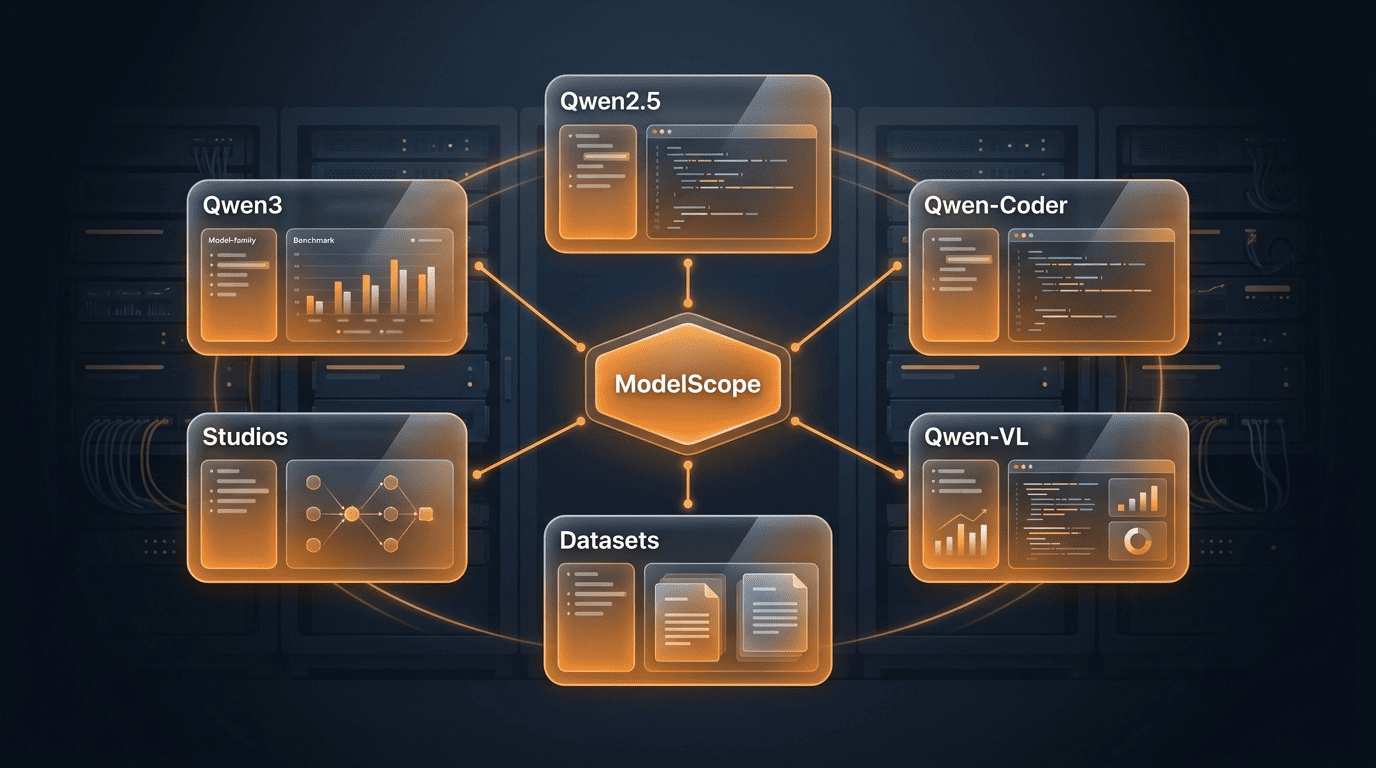
ModelScope launched in 2022 in mainland China as an Alibaba Cloud project, and its English-language version was announced on June 25, 2024, at CVPR in Seattle.
Unofficial. This site is not affiliated with, endorsed by, or sponsored by Alibaba or the Qwen team.
What Is ModelScope?
ModelScope is built on the idea of Model-as-a-Service (MaaS): AI models turned into ready-to-use, deployable services rather than raw research artifacts. It bundles a model hub, a dataset hub, hosted demo apps called Studios, and a unified Python library — all under one modelscope.cn roof. The concept and the platform itself are Alibaba Cloud’s own framing, laid out in the ModelScope community and the modelscope GitHub project.
The “Model-as-a-Service” idea
Instead of just publishing weights and leaving developers to wire up their own inference stack, ModelScope pairs each model with a working demo, a standard loading interface, and — where relevant — a training recipe. That’s the practical meaning of Model-as-a-Service platform here: a model page isn’t just a download link, it’s a runnable service you can try in the browser before touching any code.
Scale and origin (attributed)
ModelScope was launched in 2022 in mainland China by Alibaba Cloud, with roots tracing back to Alibaba’s DAMO Academy research arm. The English-language version was announced on June 25, 2024, at the CVPR conference in Seattle, opening the platform to a global developer audience beyond its original mainland-China footprint.
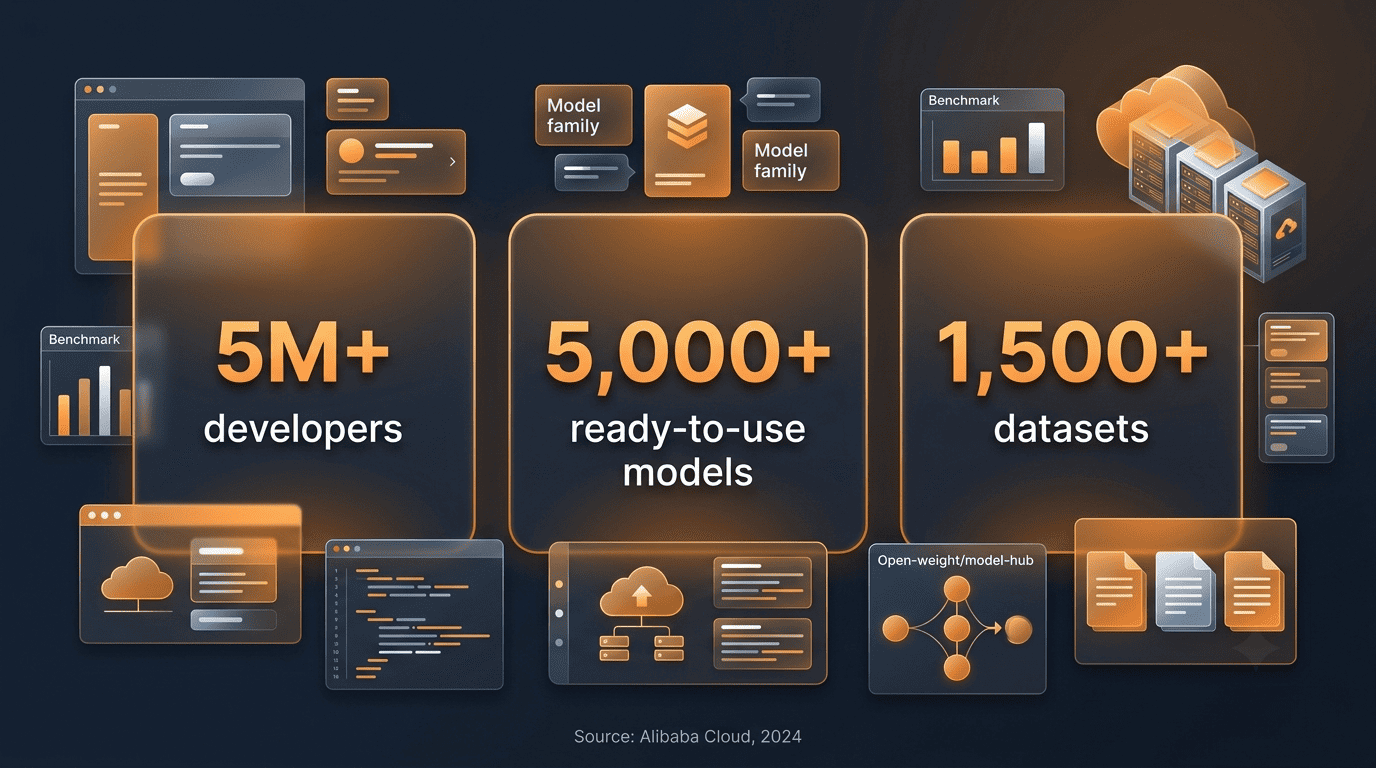
According to Alibaba Cloud (June 2024), the ModelScope community had grown to:
- Over 5 million developers
- Over 5,000 ready-to-use models
- Over 1,500 high-quality Chinese-language datasets
These are Alibaba’s own published figures, not independently audited numbers. Models on the hub come from Alibaba itself, from other Chinese AI labs such as Baichuan and Zhipu, and from individual community contributors — mirroring how Hugging Face aggregates uploads from many organizations rather than a single vendor.
ModelScope, Alibaba and Qwen — How They Connect
Alibaba Cloud is the company; ModelScope and Qwen are two separate things it builds. Getting that distinction straight avoids most of the confusion people have about “is ModelScope a Qwen product?”
One company, two things: the hub vs the models
ModelScope is the hub — the place where the open weights, datasets and demo apps live. Qwen (通义千问, Tongyi Qianwen) is the model family — the actual large language models Alibaba Cloud trains and publishes. ModelScope hosts Qwen releases the same way Hugging Face does: as downloadable repositories under a Qwen/... namespace. A separate Alibaba Cloud product, DashScope (also branded Model Studio), offers Qwen as a paid hosted API rather than downloadable weights — useful to know so you don’t confuse “download the model” with “call the API.”
Which Qwen lines you’ll find
ModelScope hosts the full arc of Qwen releases, spanning general-purpose generations and specialized lines built for particular tasks:
- General generations — the original Qwen, then Qwen1.5, Qwen2, Qwen2.5, and Qwen3
- Qwen-Coder — tuned for programming tasks
- Qwen-VL — vision-language models
- Qwen-Audio — speech and audio tasks
- Qwen-Math — mathematical reasoning
- QwQ — reasoning-focused models
Sizes span from small, laptop-friendly dense models up through much larger dense and mixture-of-experts variants — Alibaba and the QwenLM project describe the range qualitatively rather than fixing it to one number, since new sizes are added as the family evolves.
How to Find and Download Qwen Models on ModelScope
Downloading a Qwen model from ModelScope follows the same basic pattern as any other repository on the hub: find the model, note its ID, pull the files with one of a few standard methods.
Browse the hub
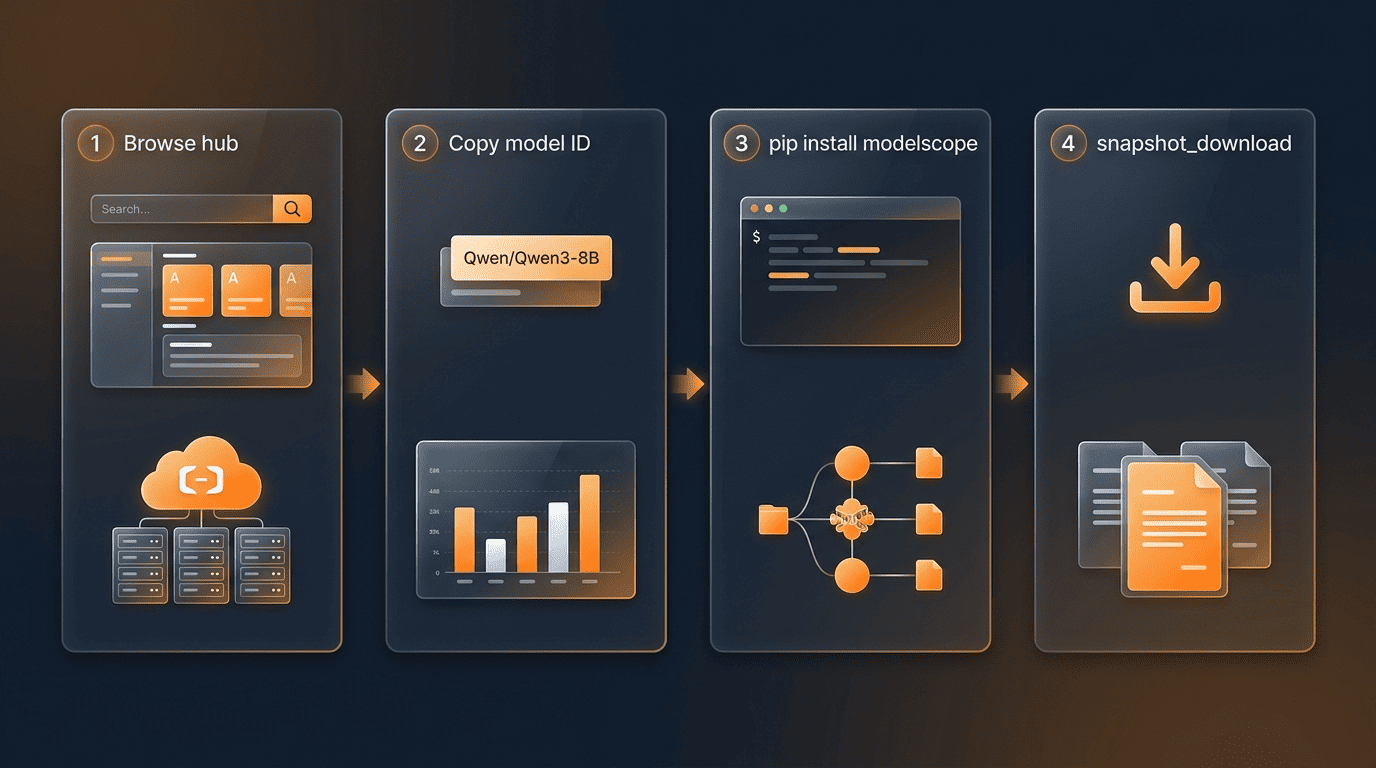
On modelscope.cn, open the Models section and search for “Qwen,” then filter by task or domain if you’re looking for something specific, like vision-language or coding. Each model page lists its ID — for example, Qwen/Qwen3-8B — along with its files and license. These IDs are the same Qwen/... naming used on Hugging Face, which makes it easy to switch between the two hubs without renaming anything in your code.
The Qwen team itself points users toward ModelScope explicitly, especially for network reasons:
We strongly advise users especially those in mainland China to use ModelScope.
QwenLM/Qwen3
That guidance reflects a practical reality: users connecting from mainland China typically get faster, more reliable downloads from ModelScope’s infrastructure than from a hub hosted overseas.
Download methods (table)
| Method | How it works |
|---|---|
| Web download | Open the model page on modelscope.cn and download files directly through the browser |
| CLI | Run modelscope download --model Qwen/Qwen3-8B from the command line |
Python snapshot_download | Call snapshot_download('Qwen/Qwen3-8B') from the modelscope library to pull the full repo |
| Framework env vars | Set VLLM_USE_MODELSCOPE=true or SGLANG_USE_MODELSCOPE=true so vLLM or SGLang fetch weights from ModelScope automatically |
Each method resolves to the same underlying files, so the choice mostly comes down to whether you’re working in a browser, a terminal, or directly inside a Python script or inference framework.
Step-by-step: get a Qwen model running locally
- Go to modelscope.cn and open the Models section.
- Search for “Qwen” and pick the line and size that fits your task (e.g.
Qwen/Qwen3-8B). - Copy the model ID shown on its model page.
- Install the library with
pip install modelscope. - Pull the weights with
snapshot_download('Qwen/Qwen3-8B'), or use the CLI:modelscope download --model Qwen/Qwen3-8B. - If you’re loading the model through vLLM or SGLang, set
VLLM_USE_MODELSCOPE=trueorSGLANG_USE_MODELSCOPE=trueinstead of downloading manually. - Point your inference or fine-tuning code at the local snapshot directory returned by the download step.
The modelscope Python Library
Alongside the web hub, Alibaba maintains an open-source Python library, also called modelscope, that wraps model loading, training and dataset access into one consistent API. The library is hosted on github.com/modelscope/modelscope under the Apache License 2.0.
Install and core APIs
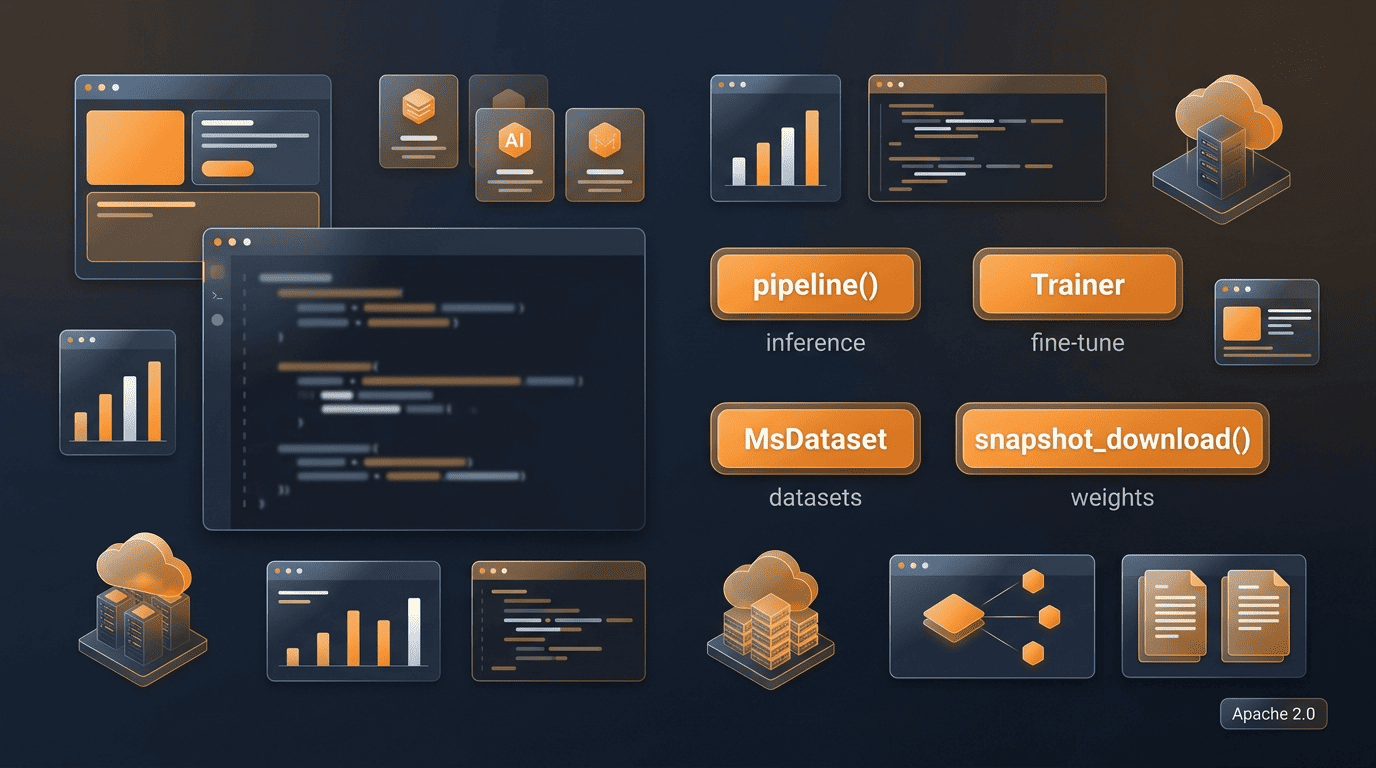
Install with pip install modelscope. Domain-specific extras are available too, such as [nlp], [cv], , [multi-modal], and [science], so you only pull the dependencies relevant to your use case.
pipeline() handles inference. It’s the go-to entry point for running a pretrained model on a task — text generation, classification, vision, and so on — without hand-wiring the model, tokenizer and pre/post-processing yourself.
Trainer and build_trainer() handle fine-tuning and evaluation. These give you a structured training loop rather than requiring a fully custom one.
MsDataset.load() handles datasets. It pulls a dataset from the ModelScope Datasets hub in a format ready for training or evaluation code.
snapshot_download() pulls model weights. This is the underlying function the CLI and higher-level pipeline calls rely on to fetch an entire model repository to local disk.
The library itself is licensed under Apache 2.0, separate from the license terms of any individual model it downloads.
A minimal download snippet
A typical download looks like this in Python:
from modelscope import snapshot_download

model_dir = snapshot_download('Qwen/Qwen3-8B')
That single call fetches the full repository — weights, tokenizer files, and config — to a local cache directory, and returns the path. Functionally, this plays the same role as snapshot_download in the Hugging Face Hub client or loading a model through Transformers: same idea, different hub behind it.
Models, Datasets and Studios (Spaces)
ModelScope organizes its content around three pillars, mirroring the shape of Hugging Face’s own hub.
Three pillars
- Models — model cards, weights, and usage documentation for each release, including the various Qwen lines.
- Datasets — training and evaluation datasets, loadable directly through
MsDatasetin the Python library. - Studios (Spaces) — hosted, interactive demo apps where you can try a model in the browser without installing anything locally.
Content spans several domains: NLP, computer vision, audio and speech, multi-modality, and AI for Science. This structure is why ModelScope is regularly described as an open-source AI model hub rather than just a weights repository — the datasets and Studios layers are part of the same product.
ModelScope vs Hugging Face for Accessing Qwen
For anyone specifically after Qwen weights, ModelScope and Hugging Face are functionally interchangeable in most respects, with a few practical differences worth knowing.
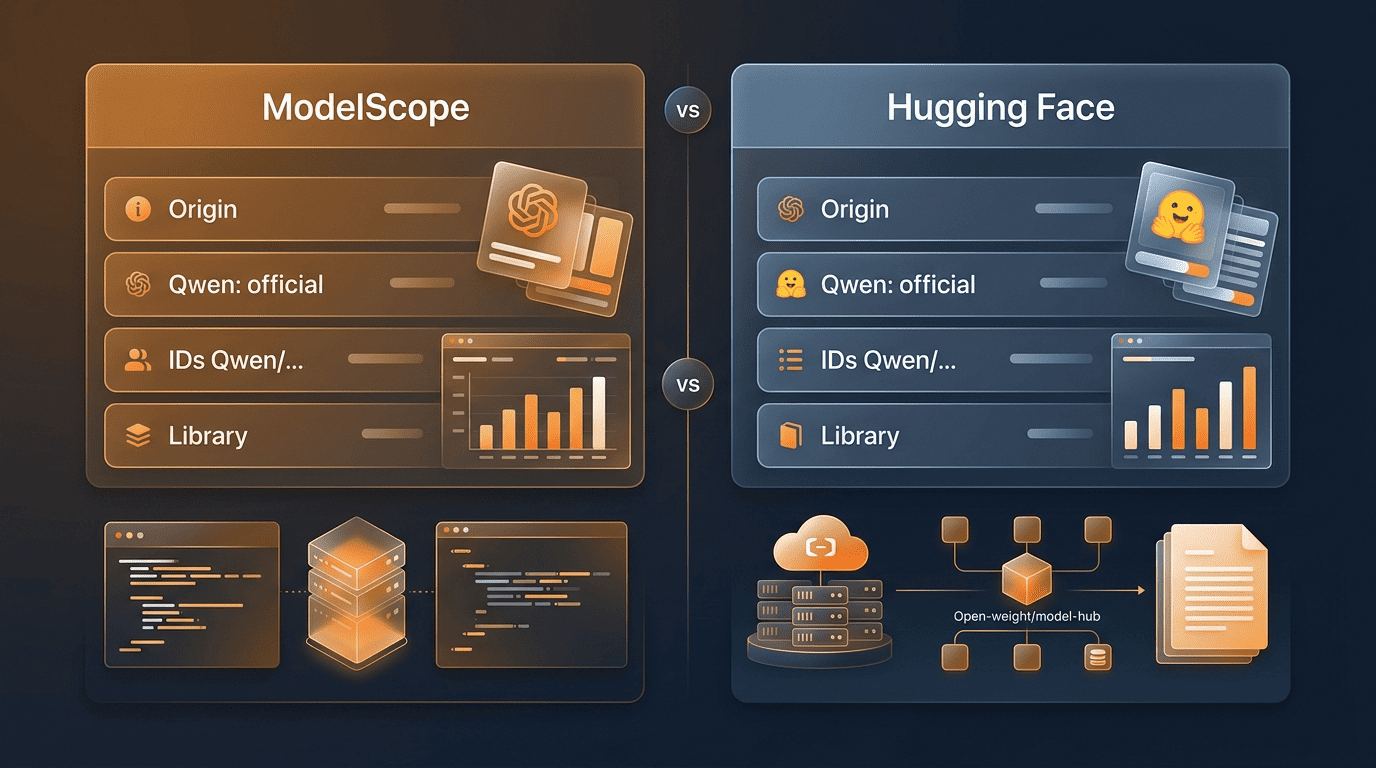
Comparison table
| Criterion | ModelScope | Hugging Face |
|---|---|---|
| Origin | Alibaba Cloud (China) | US-based, community-driven |
| Qwen status | Official — Alibaba’s own hub | Official — Qwen maintains an organization page |
| Model IDs | Qwen/... (identical naming) | Qwen/... (identical naming) |
| Access in mainland China | Generally faster, advised by Qwen team | Can be slower or less reliable |
| Python library | modelscope | transformers / huggingface_hub |
| Demo apps | Studios | Spaces |
| License (open weights) | Apache 2.0 (per model) | Apache 2.0 (per model) |
Both hubs carry the same official open-weight releases from Alibaba, so this isn’t a case of one having “real” Qwen models and the other having mirrors — the alibaba qwen models family is published to both simultaneously.
Which should you use?
If you’re located in or near mainland China, ModelScope is the practical default — that’s the situation the Qwen team’s own guidance is aimed at. Outside that region, the two hubs are largely interchangeable for Qwen specifically, since the model IDs match and both host the same Apache 2.0 weights; teams sometimes mirror a deployment between both hubs simply for redundancy rather than for any difference in the models themselves.