
Qwen-VL: Alibaba’s Open Vision-Language Models Explained
Qwen-VL is the vision-language branch of qwen alibaba — Alibaba Cloud’s open-weight model family. The original Qwen-VL paper describes a series of multimodal models that read images, documents and video alongside text, rather than text alone.
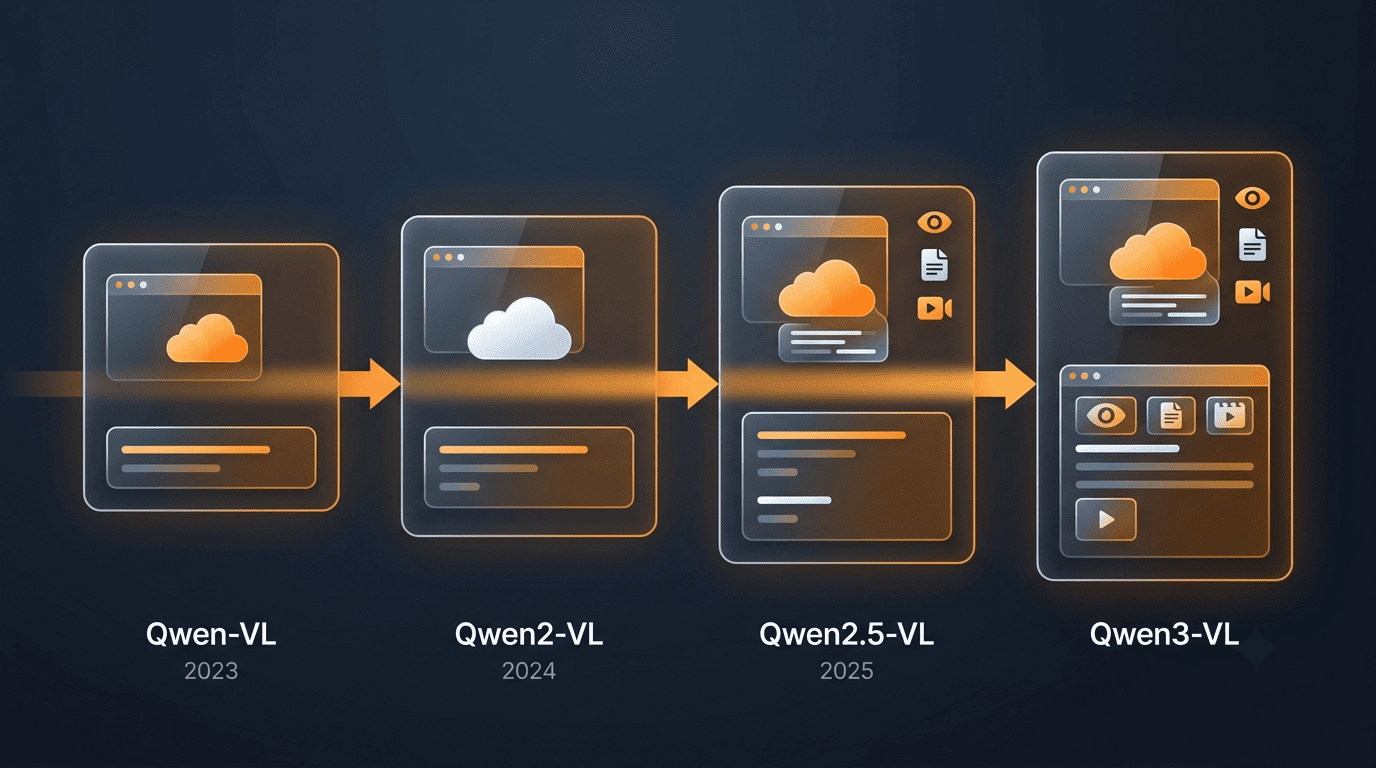
The line spans the original Qwen-VL (2023), Qwen2-VL (2024), Qwen2.5-VL (2025) and the newer Qwen3-VL, released both as open weights and through a hosted API. Most sizes can be downloaded and run outside Alibaba’s own infrastructure, which is part of what keeps qwen by alibaba visible in open-model comparisons.
Unofficial. This site is not affiliated with, endorsed by, or sponsored by Alibaba or the Qwen team.
What Is Qwen-VL?
Qwen-VL (通义千问-VL / Tongyi Qianwen-VL) is the vision-language line of Alibaba Cloud’s Qwen models. It pairs a Qwen language model with a Vision Transformer visual encoder so a single model handles text and images together, rather than routing images through a separate captioning system first. The Qwen team introduced the line in an August 2023 paper.
A multimodal branch of the Qwen family
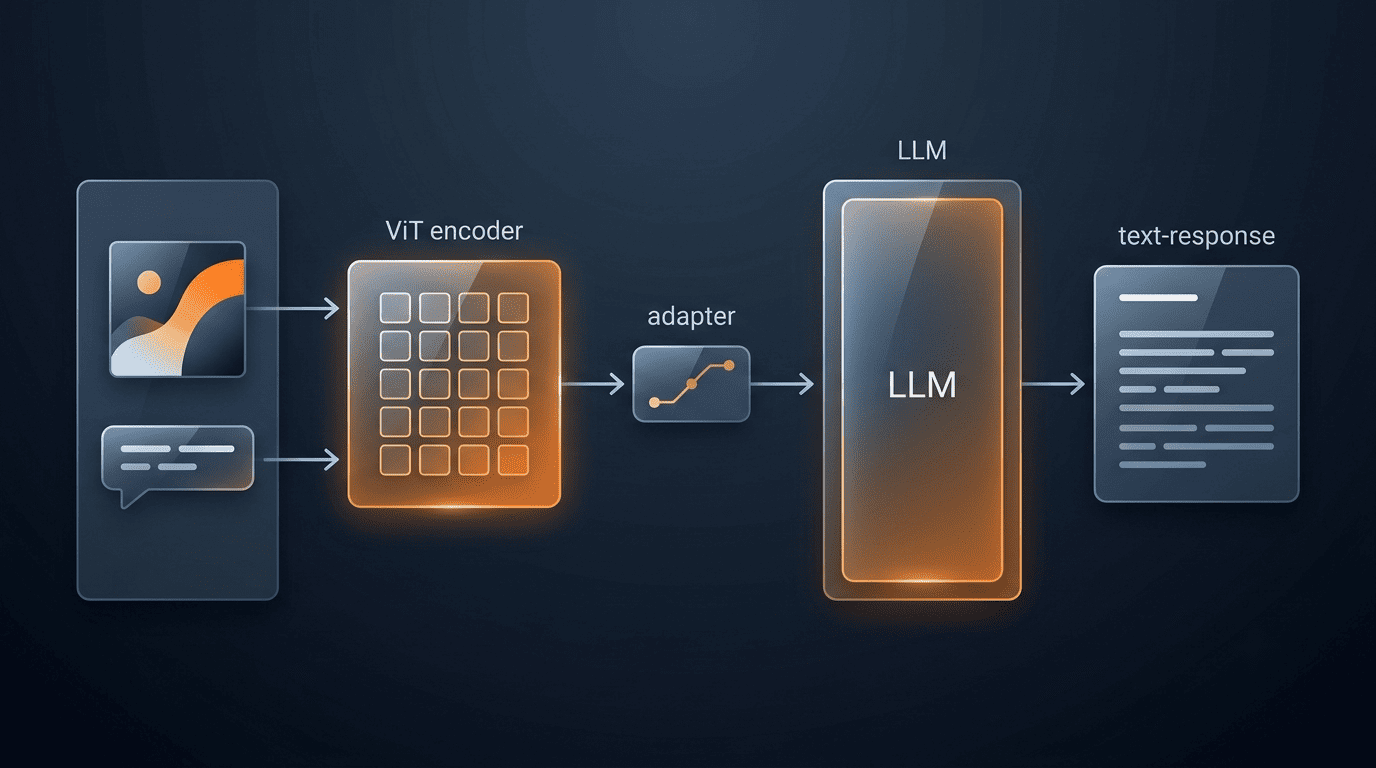
The first Qwen-VL model is built on a Qwen-7B language backbone connected to a Vision Transformer (ViT) visual encoder through a vision-language adapter. That combination lets the model take an image and a text prompt as a single input and produce a text response grounded in what it sees. Two variants shipped at launch: the base Qwen-VL model and a dialog-tuned version called Qwen-VL-Chat, built for multi-turn conversations about an image.
What “vision-language” means here
Beyond conventional captioning and visual question answering, the original release added two capabilities that were less common in early multimodal models: visual grounding, meaning the model can locate an object in an image and return its bounding box, and text reading, an OCR-style ability to read text embedded inside a picture rather than a standalone document scan. The Qwen team summarized the design goal directly:
Beyond the conventional image description and question-answering, we implement the grounding and text-reading ability of Qwen-VLs by aligning image-caption-box tuples.
Qwen-VL: A Versatile Vision-Language Model, Qwen Team (arXiv:2308.12966)
That alignment between an image, a caption and a bounding box is what let the first Qwen-VL generation answer “where” questions about a picture, not just “what” questions.
The Qwen-VL Generations: A Timeline
Four generations have shipped since 2023, each widening what the models can read and how long a video they can follow. Qwen-VL (August 2023) established the base architecture and grounding ability on a 7B-class backbone. Qwen2-VL followed in August 2024, adding video understanding beyond 20 minutes, a dynamic-resolution image encoder, and a new positional-encoding scheme called M-RoPE. Qwen2.5-VL arrived in January 2025 with a technical report published in February 2025, pushing document parsing, agentic use and video comprehension past the one-hour mark. The newest generation, Qwen3-VL, released in October 2025, adds dense and mixture-of-experts variants in both Instruct and Thinking editions — you can read the full release history on qwen by alibaba.
| Generation | Released | Open sizes | Headline additions |
|---|---|---|---|
| Qwen-VL | Aug 2023 | 7B-class | Grounding and text reading over a Qwen-7B base |
| Qwen2-VL | Aug 2024 | 2B, 7B (Apache 2.0); 72B via API | Video over 20 min, dynamic resolution, M-RoPE |
| Qwen2.5-VL | Jan 2025 | 3B, 7B, 72B | Document parsing, agentic use, video over 1 hour |
| Qwen3-VL | Oct 2025 | Dense + MoE, Instruct + Thinking, Apache 2.0 | Latest generation from the Qwen team |
Two things stand out across this timeline. First, video comprehension has scaled roughly generation over generation — from minutes to hours of footage. Second, licensing widened rather than narrowed: later generations kept releasing multiple sizes as open weights instead of pulling everything behind an API.
Multimodal Capabilities
Qwen2.5-VL’s own release notes describe a broad capability set that goes well past image captioning, and Qwen2-VL had already established several of the same building blocks a generation earlier.
Image and visual understanding
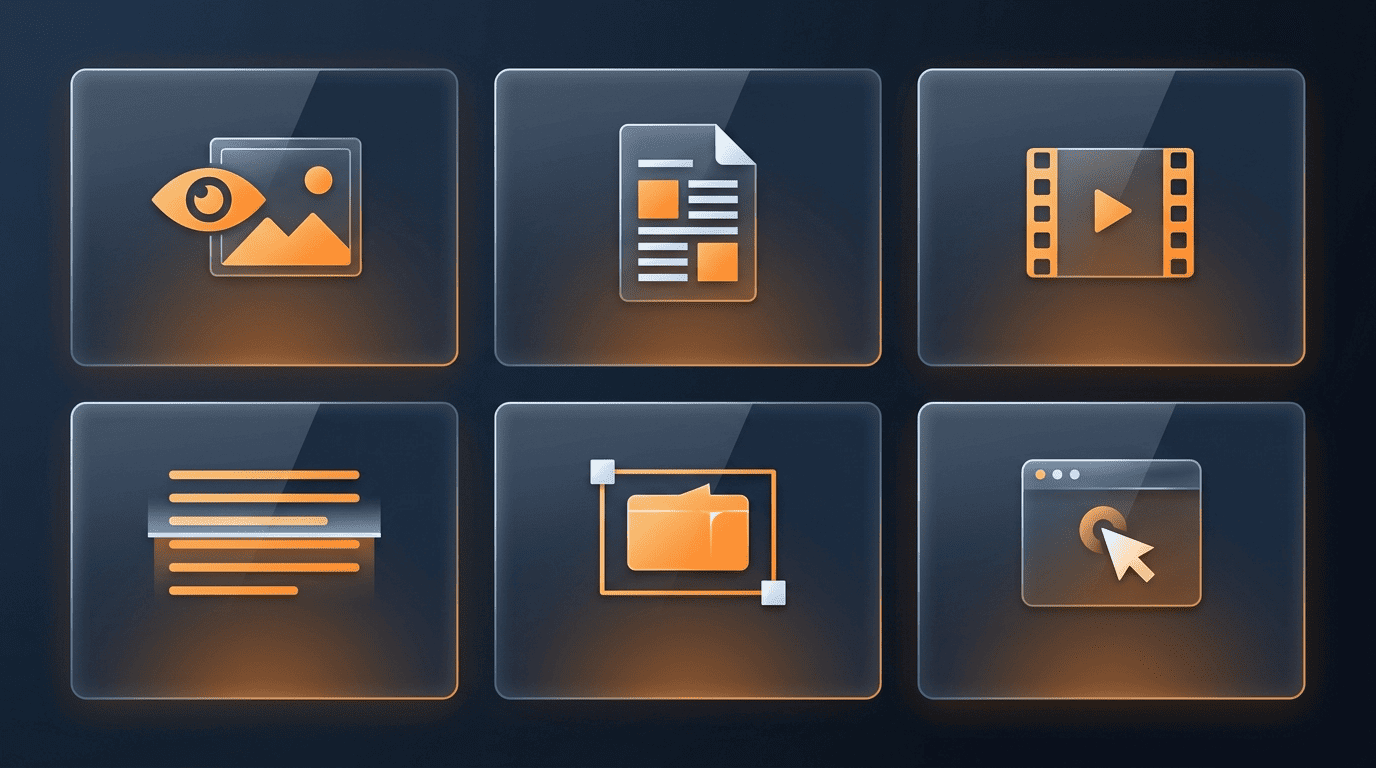
The models recognize objects, scenes, products and landmarks in a photo, answer open-ended questions about what’s shown, and ground objects with bounding boxes or points rather than describing location in prose. Grounding output can come back in more than one structured form:
- Bounding box coordinates around a detected object
- Point coordinates marking a specific location
- Structured JSON output combining labels with coordinates
Document understanding and OCR
OCR in Qwen-VL is multilingual and works across multiple text orientations, not just left-to-right horizontal lines. Document parsing goes further than plain text extraction — Qwen2.5-VL outputs layout in a QwenVL HTML format that preserves structure. Document types it’s built to parse include:
- Magazine and article layouts
- Academic papers
- Web pages and screenshots
- Tables, charts and handwriting
Video understanding
Qwen2-VL understands video content beyond 20 minutes of footage. Qwen2.5-VL extends that to video comprehension over one hour, with second-level event localization — meaning it can point to roughly when in a long video a specific event happens, not just summarize the whole clip.
Acting as a visual agent
Qwen2.5-VL can operate as a computer-use or mobile-use agent. It’s positioned to interpret a screen, plan an action and interact with an interface without needing task-specific fine-tuning for every app. Qwen2-VL contributes a related but distinct capability: function calling, which lets the model invoke external tools rather than just describing what should happen next. Together these support use cases such as automating repetitive UI steps, reading a mobile app’s screen to answer a question, and chaining a visual read with an external API call.
Sizes, Variants and Architecture
Model sizes have stayed broadly consistent in shape — small, medium, large — while the largest tier has moved between API-only and open release across generations.
Model sizes across generations
| Generation | Sizes | Base/Instruct | Quantized |
|---|---|---|---|
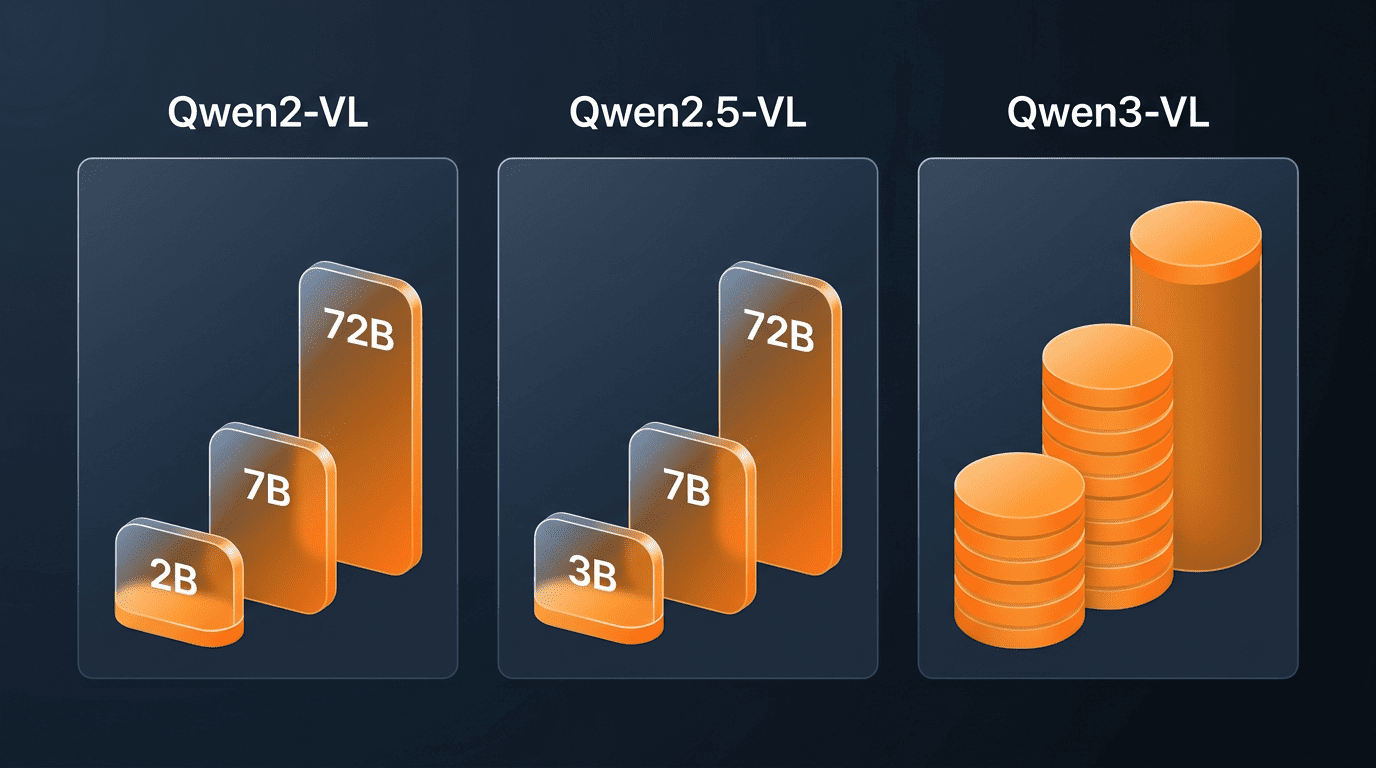
| Qwen2-VL | 2B, 7B, 72B | Both available | AWQ and GPTQ versions exist |
| Qwen2.5-VL | 3B, 7B, 72B | Base + Instruct | Check individual model cards |
| Qwen3-VL | Dense + MoE | Instruct + Thinking | Check individual model cards |
The architecture in brief
Every Qwen-VL generation is built from the same rough set of parts, refined over time:
- A Qwen language model backbone that handles text generation
- A Vision Transformer (ViT) encoder that turns an image into visual tokens
- A vision-language adapter that connects the two
- Naive dynamic resolution, introduced in Qwen2-VL, which lets the encoder process images at arbitrary resolutions instead of resizing everything to a fixed grid
- M-RoPE, a positional-encoding scheme that separately handles 1D positions for text, 2D positions for images and 3D positions for video frames
That dynamic-resolution step matters in practice: a screenshot and a landscape photo don’t get squeezed into the same fixed input size, so fine text and small objects are less likely to get lost before the model even sees them.
Open Weights and Licensing
Apache 2.0 covers many of the smaller and mid-sized models. Qwen2-VL-2B and Qwen2-VL-7B, for instance, ship under Apache 2.0, which permits downloading the weights, self-hosting the model and using it commercially without a separate license fee. Qwen3-VL variants continue that pattern under the same license.
The largest models started out as API-only. Qwen2-VL-72B was initially offered only through Alibaba’s hosted API rather than as downloadable weights, even while the 2B and 7B siblings were fully open. Licensing terms and availability can change between a model’s announcement and later re-releases, so the practical step is to check the license listed on each model card on alibaba qwen models before assuming a given size is free to self-host.
What “open weights” means for Qwen-VL
Open weights means the trained parameters themselves — not just an API endpoint — are published for download, typically on Hugging Face and ModelScope. That’s what allows a team to run inference on its own hardware, fine-tune the model on private data, or inspect the weights directly, none of which is possible with an API-only release. Even so, “open weights” isn’t the same as “public domain”: Apache 2.0 is permissive but still a license with terms, and it’s worth confirming which specific checkpoint (base, instruct, or a quantized build) carries which license before shipping a product on top of it.
How to Access Qwen-VL
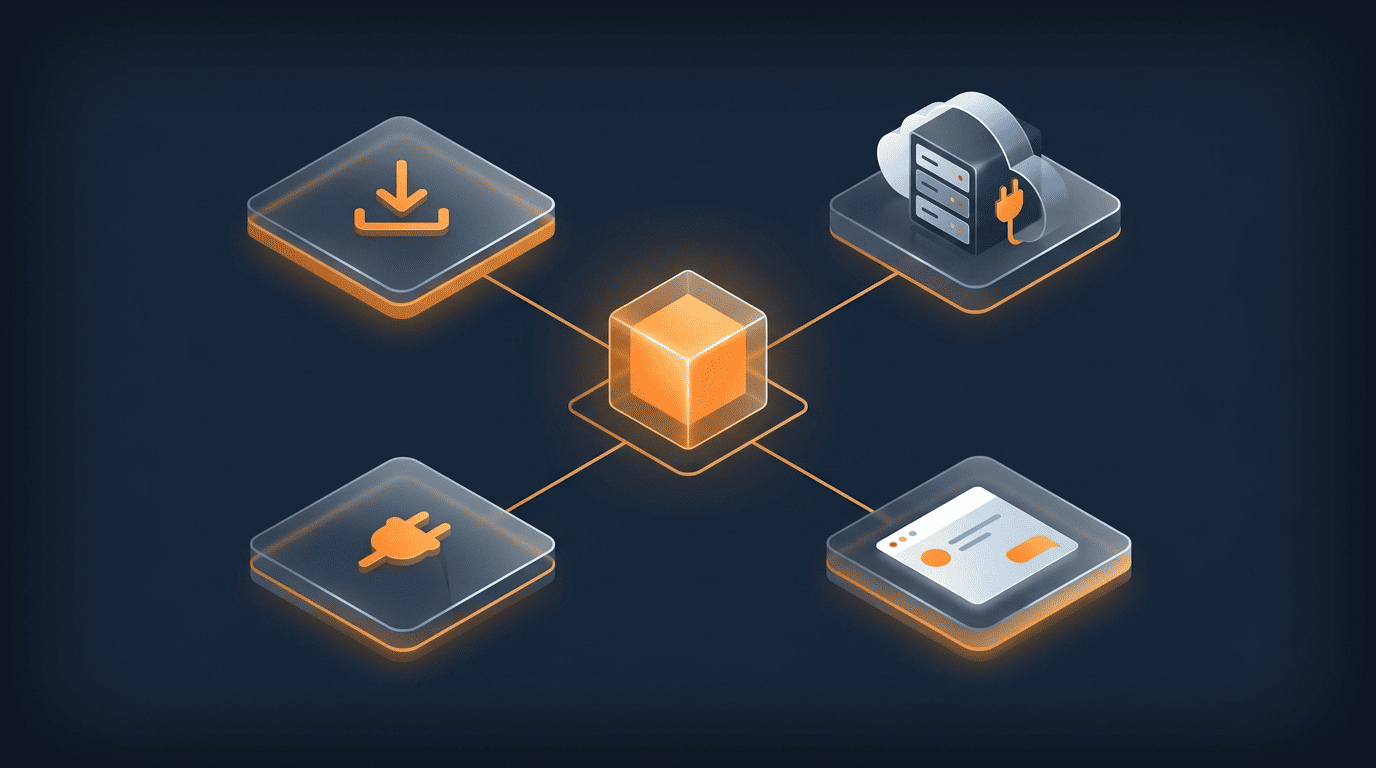
Open weights for Qwen-VL live on Hugging Face and ModelScope, while hosted access runs through Alibaba Cloud’s DashScope API or the Qwen Chat web app. A short path from “I want to try it” to “I’m running it” looks like this:
- Decide whether you need a hosted API or self-hosted weights.
- For self-hosting, browse the Qwen organization page on Hugging Face and pick a generation and size that fits your hardware.
- Check that specific model card’s license before downloading — Apache 2.0 sizes are self-hostable and commercial-friendly, API-only sizes are not.
- Alternatively, browse the same models on ModelScope, Alibaba’s own model hub, which mirrors many Qwen releases.
- For hosted inference without managing infrastructure, call the model through DashScope on Alibaba Cloud Model Studio.
- To try a model without writing any code first, open the Qwen Chat web app and upload an image or video directly.
- For example code and integration notes, check the Qwen2.5-VL GitHub repository.
Access channels
- Hugging Face (huggingface.co/Qwen) — download weights directly
- ModelScope (modelscope.cn) — Alibaba’s own model hub
- DashScope / Alibaba Cloud Model Studio — hosted API, no local GPU required
- Qwen Chat — try the models in a browser, no setup
- GitHub (github.com/QwenLM) — source code and cookbooks