
Qwen3: Alibaba’s Latest Open-Weight Model Generation
Unofficial. This site is not affiliated with, endorsed by, or sponsored by Alibaba or the Qwen team.
Qwen3 is the latest generation of qwen alibaba models, the open-weight family built by Alibaba Cloud. It spans small dense checkpoints you can run on a laptop up to large Mixture-of-Experts systems, all released under permissive open-weight terms including Apache 2.0, according to the official Qwen team announcement.
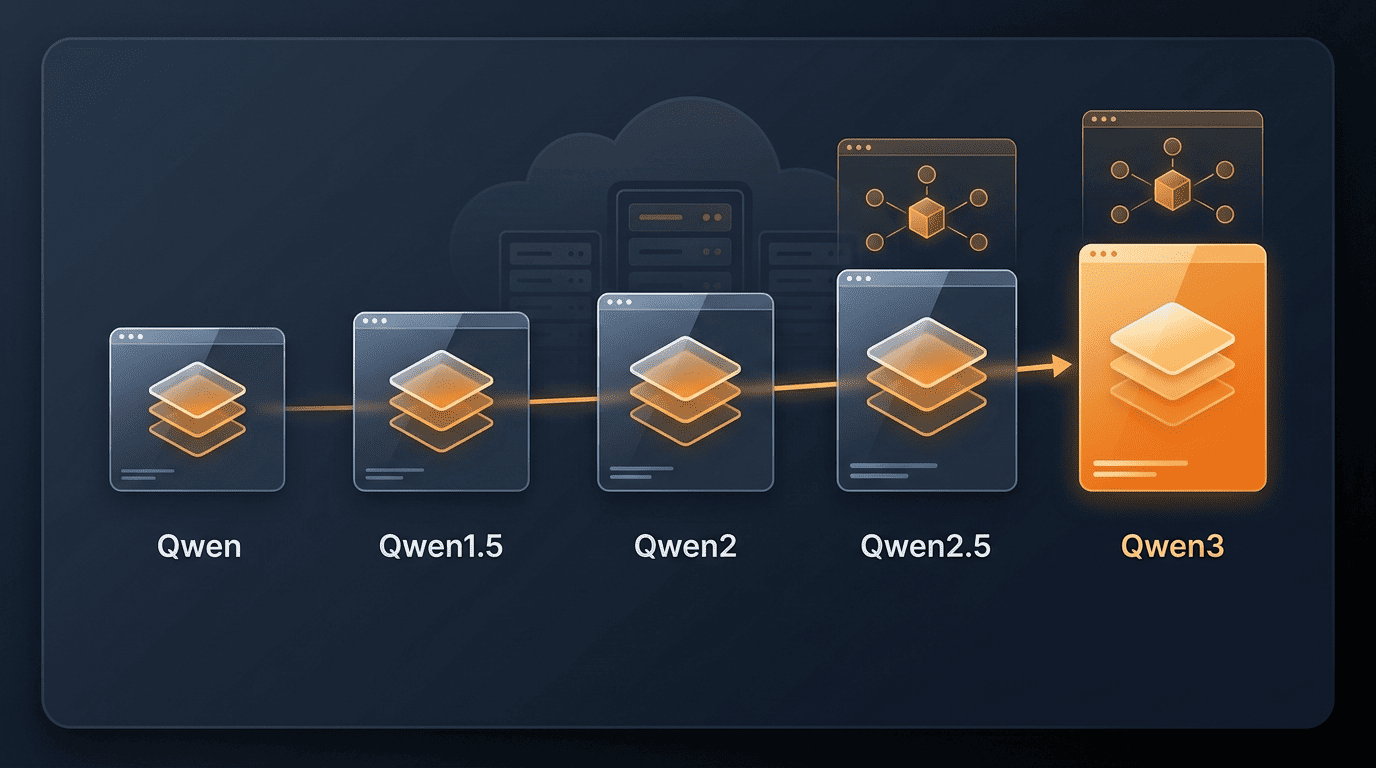
The generation introduced a hybrid “thinking / non-thinking” design in a single model, broad multilingual coverage, and stronger agentic tool use. You can download the weights and run Qwen3 yourself, or call it through Alibaba Cloud’s hosted API — Alibaba attributes both the reasoning gains and the expanded language coverage to a substantially larger pretraining run than its predecessor.
What Is Qwen3?
The newest Qwen generation
Qwen3 is the current flagship generation of Alibaba’s Qwen (Tongyi Qianwen, 通义千问) line, developed by the Qwen team at Alibaba Cloud. Per the official Qwen blog, it was launched as an open-weight release, and Wikipedia records the initial Qwen3 release in April 2025. It succeeds Qwen2.5, carrying forward the same open-weight distribution model while extending it with new architecture choices.
What changed vs earlier generations
According to Alibaba’s announcement, Qwen3 was pretrained on a much larger corpus — the Qwen team states roughly 36 trillion tokens, about double the Qwen2.5 pretraining set — and adds the hybrid reasoning design described below. The Qwen team frames this larger training run, together with the new mode-switching architecture, as the core reason Qwen3 reasons more reliably on multi-step tasks than the generation before it. Alibaba does not publish every intermediate step of that training process, so treat the token count as a company-stated figure rather than an independently audited one.
The Qwen3 Model Lineup: Dense and MoE Variants
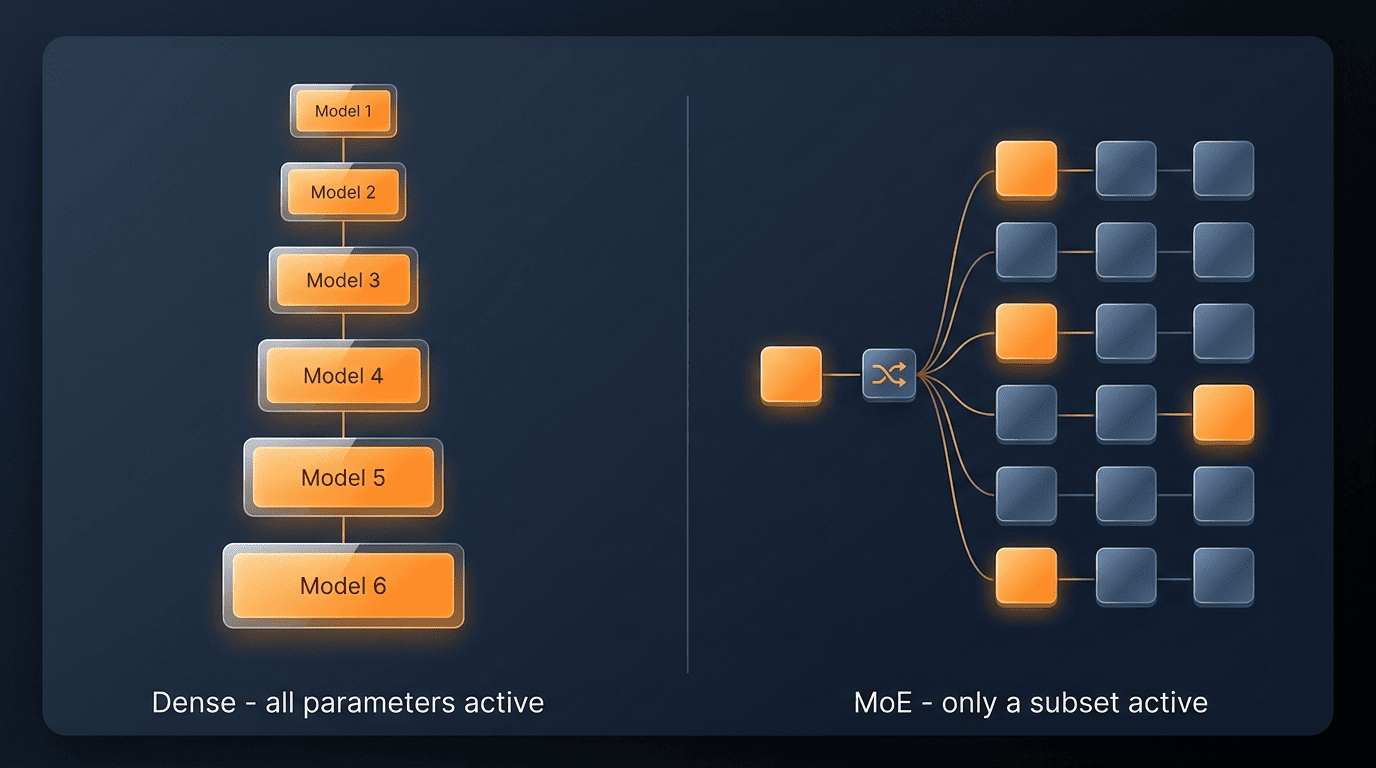
Qwen3 isn’t a single model — it’s a lineup. Alibaba Cloud ships it as a ladder of dense checkpoints alongside two Mixture-of-Experts (MoE) models, letting teams pick a size that matches their latency, cost, and hardware constraints instead of committing to one fixed model.
Dense models
The dense checkpoints run from edge-friendly to server-grade:
- Qwen3-0.6B — smallest, suited to on-device and embedded use
- Qwen3-1.7B — lightweight, low-latency inference
- Qwen3-4B — a step up for local assistants
- Qwen3-8B — general-purpose mid-size
- Qwen3-14B — stronger reasoning at moderate cost
- Qwen3-32B — the largest dense variant, server-grade throughput
“Dense” means every parameter in the model activates for every input token, which is simpler to serve but scales cost linearly with size.
Mixture-of-Experts (MoE) models
At the top of the lineup sit two MoE models: Qwen3-30B-A3B and Qwen3-235B-A22B. The “A” notation separates total parameters from active parameters per token — Qwen3-235B-A22B holds 235B parameters in total but only routes roughly 22B of them per token, which is what makes a model this large cheaper to serve than a dense model of the same total size. The Qwen team attributes this efficiency gain directly to the MoE routing design, and lists the full checkpoint set in the QwenLM/Qwen3 repository on GitHub.
| Model | Type | Notes |
|---|---|---|
| Qwen3-0.6B | Dense | Smallest, edge/on-device |
| Qwen3-1.7B | Dense | Lightweight, low latency |
| Qwen3-4B | Dense | Local assistants |
| Qwen3-8B | Dense | General-purpose |
| Qwen3-14B | Dense | Stronger reasoning, moderate cost |
| Qwen3-32B | Dense | Largest dense, server-grade |
| Qwen3-30B-A3B | MoE | ~30B total, ~3B active per token |
| Qwen3-235B-A22B | MoE | ~235B total, ~22B active per token |
Hybrid Thinking: Reasoning and Fast Modes
Thinking vs non-thinking
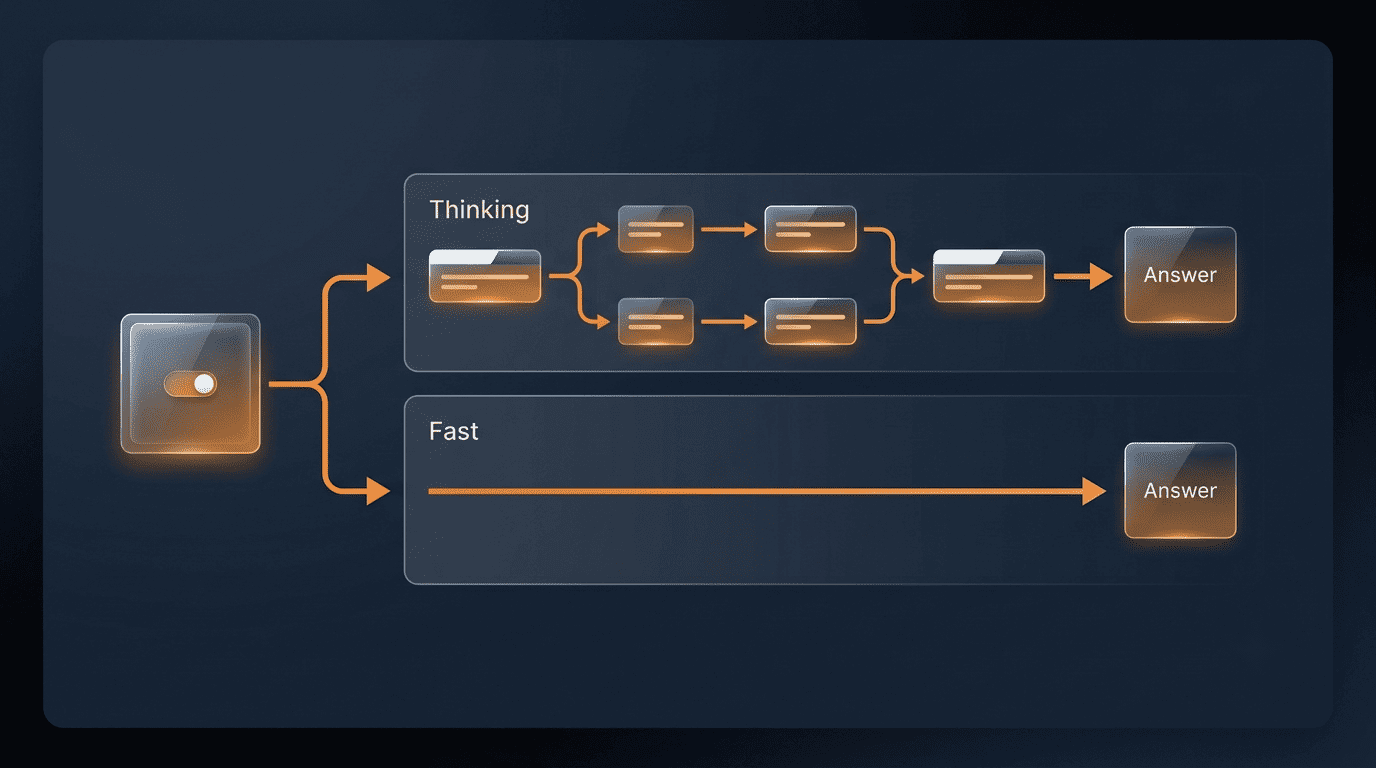
Qwen3 introduced a single model that can operate in two modes: a slower “thinking” mode that reasons step by step before answering, and a fast “non-thinking” mode that responds directly. Thinking mode suits hard reasoning, math, code generation, and agent planning, where a wrong first step compounds into a wrong answer. Non-thinking mode suits quick chat, lookups, and latency-sensitive calls where speed matters more than deliberation. Alibaba describes this as a trade-off between depth and responsiveness rather than a strict quality gap — non-thinking mode is not “worse,” it’s tuned for different tasks.
How to switch modes
The switch is a soft one, not a separate model download. In conversation you can toggle behavior with /think and /no_think, and through the API or chat template there’s an enable_thinking parameter that does the same thing programmatically. The Qwen team documents this mechanism alongside the model release, so the exact syntax is best confirmed against the current docs rather than assumed to be fixed across versions.
This flexibility allows users to control how much “thinking” the model performs based on the task at hand. For example, harder problems can be tackled with extended reasoning, while easier ones can be answered directly without delay.
Qwen team, “Qwen3: Think Deeper, Act Faster”
Multilingual and Agentic Capabilities
Beyond raw model size, Qwen3’s second axis of improvement is reach — how many languages it covers and how well it can act on a user’s behalf rather than just answer questions.
Broad multilingual coverage
Alibaba states that Qwen3 supports 119 languages and dialects, a figure the company attributes to the expanded and more diverse pretraining corpus behind this generation. That breadth matters most for global or multi-region enterprise deployments, where a single model needs to serve customers across markets without separate fine-tunes per language.
Agentic and tool use
Qwen3 also strengthens tool calling and agent workflows. The building blocks the Qwen team highlights are:
- Function/tool calling — structured requests the model can issue to external systems
- MCP (Model Context Protocol) support — a standardized way to connect the model to external tools and data sources
- Qwen-Agent framework — a reference implementation for building multi-step agent loops on top of Qwen3
Together, these reduce the boilerplate needed to wire Qwen3 into an agent that plans, calls tools, and acts on results rather than only generating text.
How to Access Qwen3
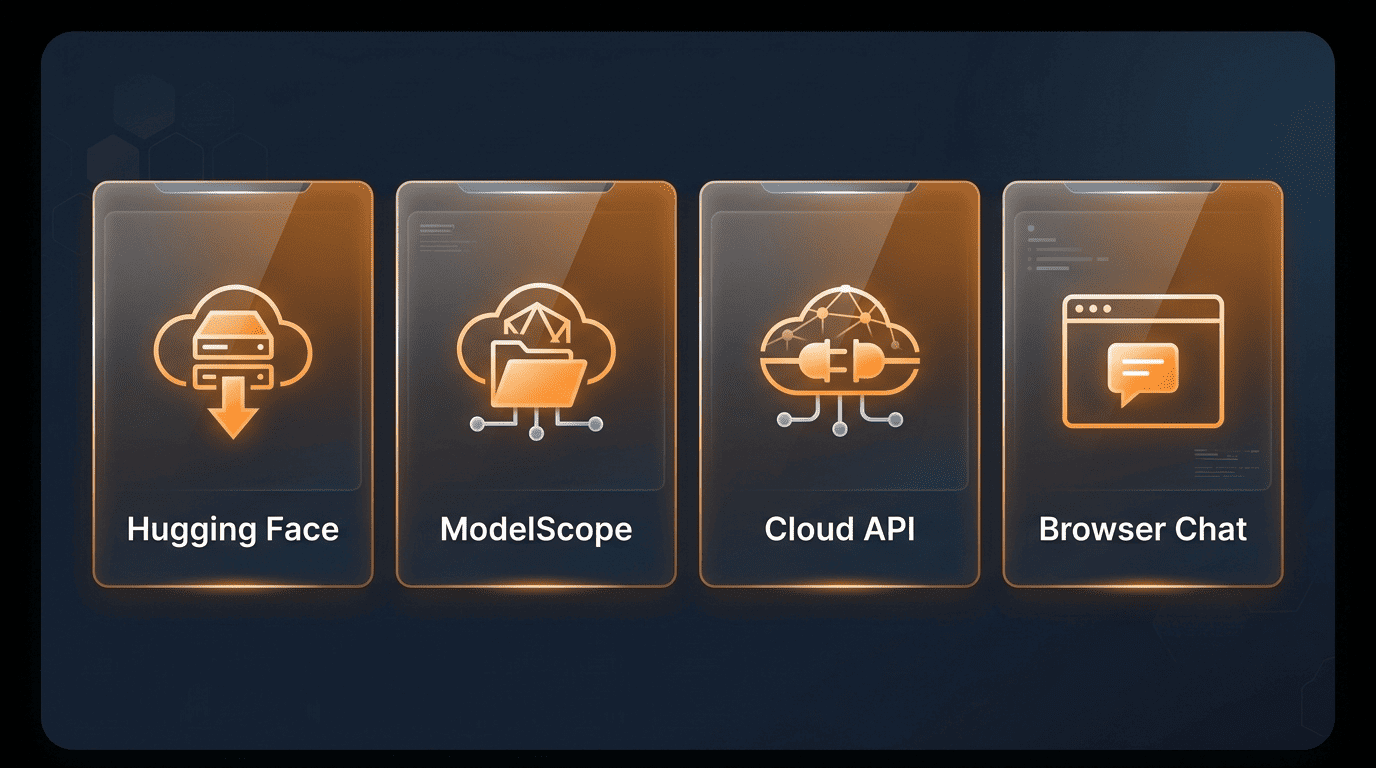
There are three practical paths into Qwen3, depending on whether you want full control over the weights, a managed API, or zero setup at all.
- Self-host the open weights — download from Hugging Face or ModelScope and run them on your own infrastructure
- Call the hosted API — use DashScope / Alibaba Cloud Model Studio for managed serving
- Try it in the browser — no-code access via Qwen Chat, no account infrastructure required
Download the open weights (self-host)
The open weights are published on Hugging Face and on ModelScope, with Kaggle also listed as a distribution channel. For running them locally, the ecosystem around Qwen3 covers Transformers, vLLM, SGLang, Ollama, llama.cpp, LMStudio, and MLX — giving teams a runtime option whether they’re deploying on a GPU cluster or a laptop.
Call the hosted API (DashScope / Model Studio)
Alibaba Cloud Model Studio serves Qwen3 through DashScope with an OpenAI-compatible API, so existing OpenAI-client code often needs only a base URL, API key, and model name swap to point at Qwen instead. Alibaba offers multiple serving tiers described qualitatively as top-capability, balanced, and fast/cost-efficient options, letting teams match a tier to the task rather than paying top-tier rates for simple calls. Exact pricing should be checked directly on Alibaba Cloud’s own pages, since it changes independently of the model release cycle.
Try it in the browser (Qwen Chat)
For evaluation or casual use without any setup, Qwen Chat at qwen.ai (chat.qwen.ai) gives browser-based access to the model family.
| Channel | What it’s for | Where |
|---|---|---|
| Hugging Face | Download open weights | huggingface.co/Qwen |
| ModelScope | Download open weights | modelscope.cn |
| DashScope / Model Studio | Hosted, OpenAI-compatible API | Alibaba Cloud |
| Qwen Chat | No-setup browser access | qwen.ai |
Licensing and Open Weights
What Apache 2.0 means for Qwen3
Many Qwen3 open-weight models are released under the Apache 2.0 license, a permissive open-source license that generally allows:
- Commercial use, including in paid products
- Modification of the model or its outputs
- Redistribution of the weights or derivatives
- Private use without disclosure obligations, subject to attribution/notice requirements
Terms are set per model, not once for the whole family — before deploying a specific Qwen3 checkpoint commercially, check that model’s own card on Hugging Face or ModelScope, since license terms can differ between checkpoints even within the same generation.
Qwen3 for Developers and Enterprises
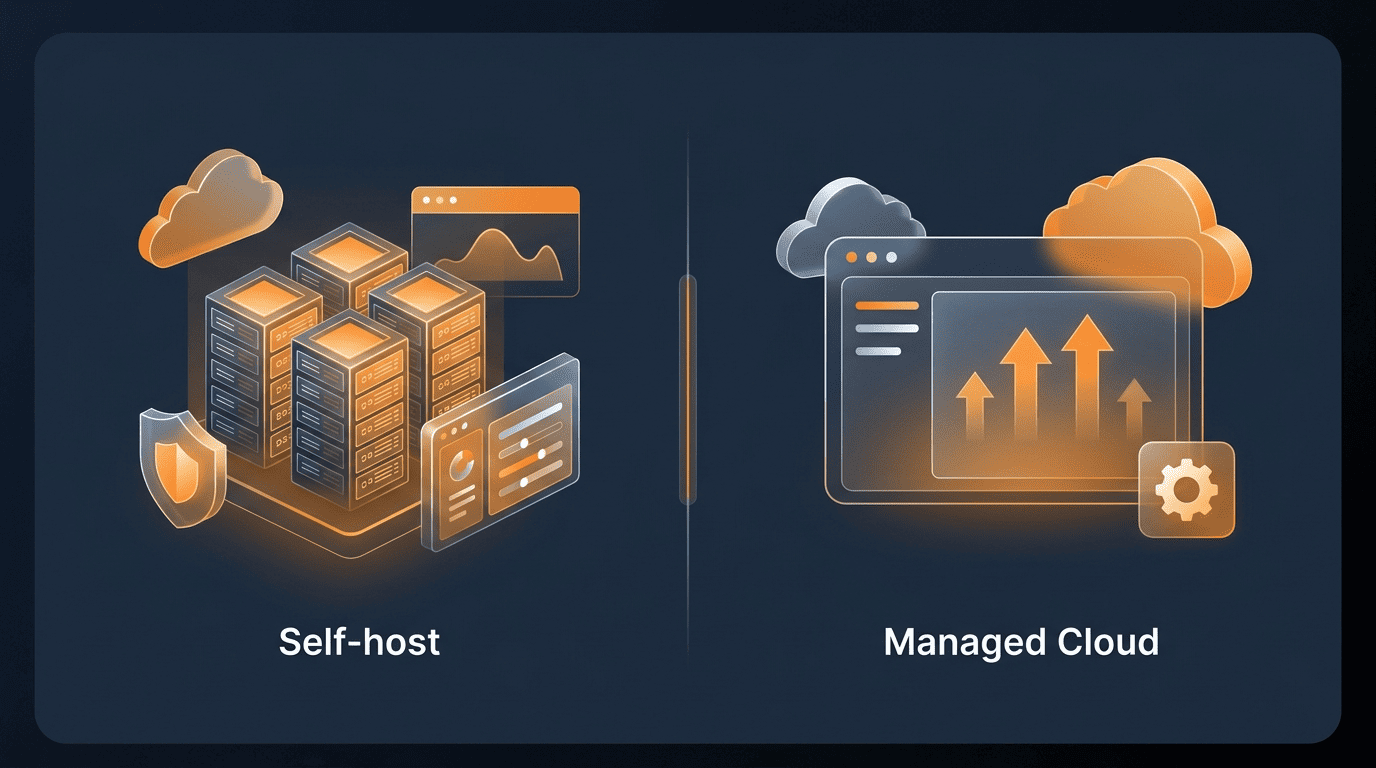
Self-host vs managed serving
The choice between self-hosting and Model Studio comes down to a few trade-offs:
- Self-host when data residency, full infrastructure control, or cost at high sustained volume matter most
- Use Model Studio when you want zero-ops deployment, built-in autoscaling, and a managed compliance posture without running your own GPU fleet
Neither is universally correct — many enterprise teams start on the managed API for speed, then move specific workloads to self-hosted inference once volume and cost patterns are clear.
Fine-tuning and ecosystem
Qwen3 is also widely used as a fine-tuning base. Third-party frameworks such as Axolotl, Llama-Factory, and Unsloth are commonly referenced by the open-source community for adapting Qwen3 checkpoints to domain-specific data, and Qwen models more broadly show up often as base models on open-weight leaderboards and derivative model listings. As with any open-weight family, the strength of that surrounding ecosystem — tutorials, adapters, quantized builds — is part of what makes a given checkpoint practical to deploy, not just its raw benchmark standing. Positioned as an open-weight family, Qwen3 is commonly evaluated as a self-hostable alternative to the closed frontier flagships — OpenAI’s GPT-5.6 Sol and Anthropic’s Claude Fable 5 — trading their hosted-only, top-of-the-line capability for downloadable weights, self-hosting, and fine-tuning. Whether Qwen3 closes the gap for a specific task is best tested on your own prompts rather than assumed from any single benchmark.